
Documentation
Everything you need to know about RuneSpoke Hub
Agent Access (ARC)
Agentic Access Control scopes exactly what an AI agent - a coding agent, an automation workflow, an in-app assistant - may do on your behalf. It runs on whatever LLM you bring (Claude, GPT, Gemini, …); ARC governs the actions, not the model. Give it room to work where it's safe, make it ask a human where it isn't, and block what it should never touch. An agent can never do more than the person it acts for.
Three outcomes, not two
Most access systems are allow/deny. ARC adds a third, more useful answer for agents:
The agent does it autonomously - e.g. deploy to staging.
The agent drafts the action and a human signs off before it runs - e.g. a prod deploy.
The agent can never do it - e.g. force-override the PR gate.
Propose is the safety valve. A prompt-injected or confused agent can draft a risky action, but it can never pass the human gate - that's the point. Force-override and releasing an approval hold are always denied to agents, no matter how you scope them.
The agent never exceeds you
Every agent acts on behalf of a human (its delegator). Its effective permissions are recomputed on every action as what you granted it ∩ what that human can do right now ∩ NOT the guardrails. So if you can't deploy to prod, neither can your agent - even if you tried to grant it. And the moment you remove a person's permission, every agent acting for them is defanged on its next action. No stale tokens.
Building a scope - the four layers
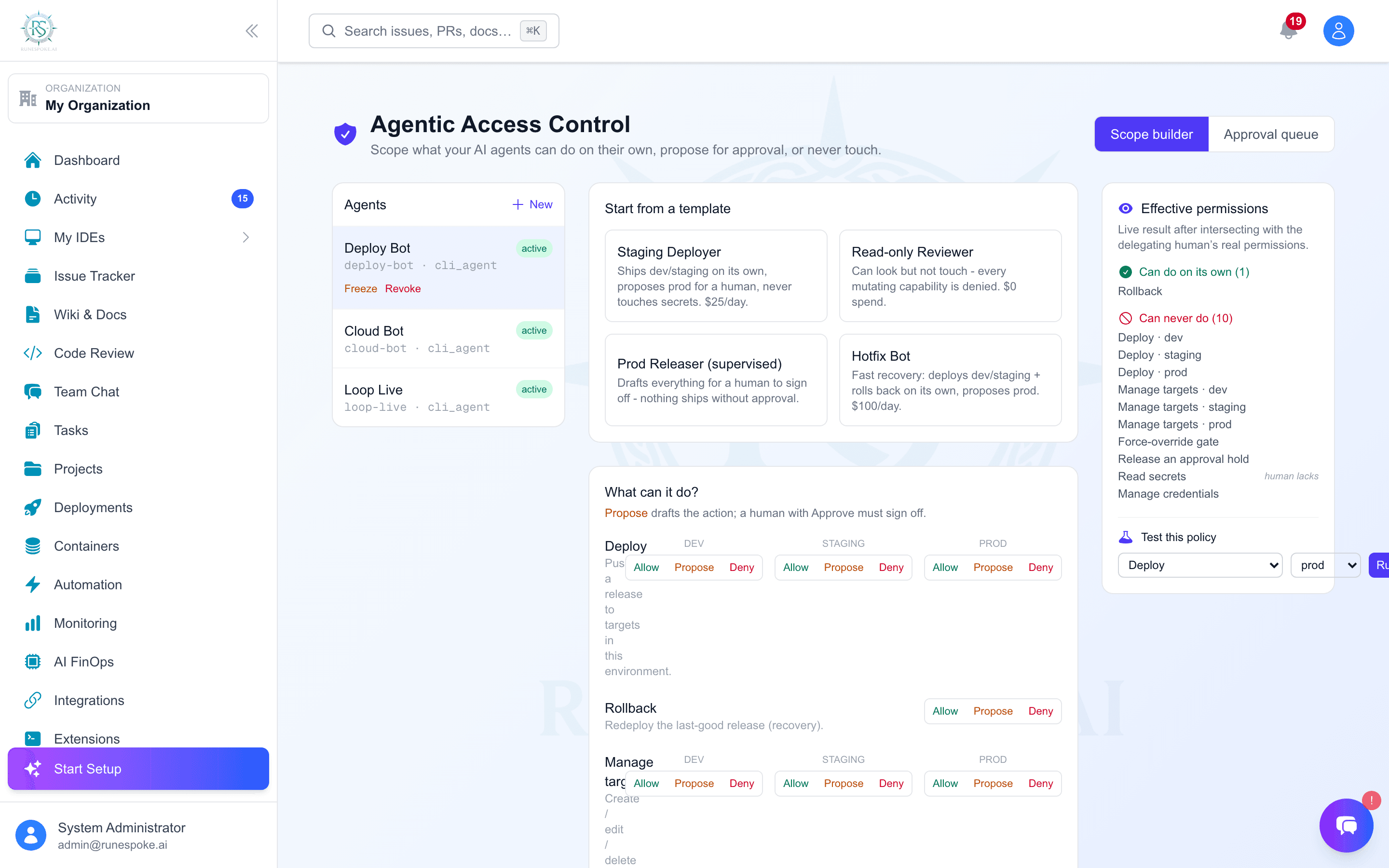
- Start from a template. Staging Deployer (ships dev/staging, proposes prod, no secrets), Read-only Reviewer, Prod Releaser (everything proposes), or Hotfix Bot. You land on a pre-filled form - editing, not authoring from scratch.
- The toggle grid. Each row is a capability (deploy, rollback, manage targets…), each column an environment (dev / staging / prod). Click a cell to set it Allow / Propose / Deny.
- Guardrails. A daily spend cap, max deploys/day and prod-deploys/day, a freeze switch that blocks all deploys, and a single “can touch secrets?” off-switch. Each cap can either ask a human or hard-block when exceeded.
- Effective-permissions preview (right rail). Always visible, always live - it runs the real authorization engine against your draft and buckets every capability into Can-do / Must-ask / Can-never. If a row is greyed with “human lacks,” the delegating person doesn't have that permission, so the agent can't either. Save unlocks once you've reviewed it.
Simulate before you save
The Test this policy panel runs a single hypothetical request (pick a capability + environment) through the same engine and shows the verdict and the exact gate that decided it - e.g. “Must ask a human - env-ceiling: prod > staging.” Nothing is written; it's a dry run.
The approval queue
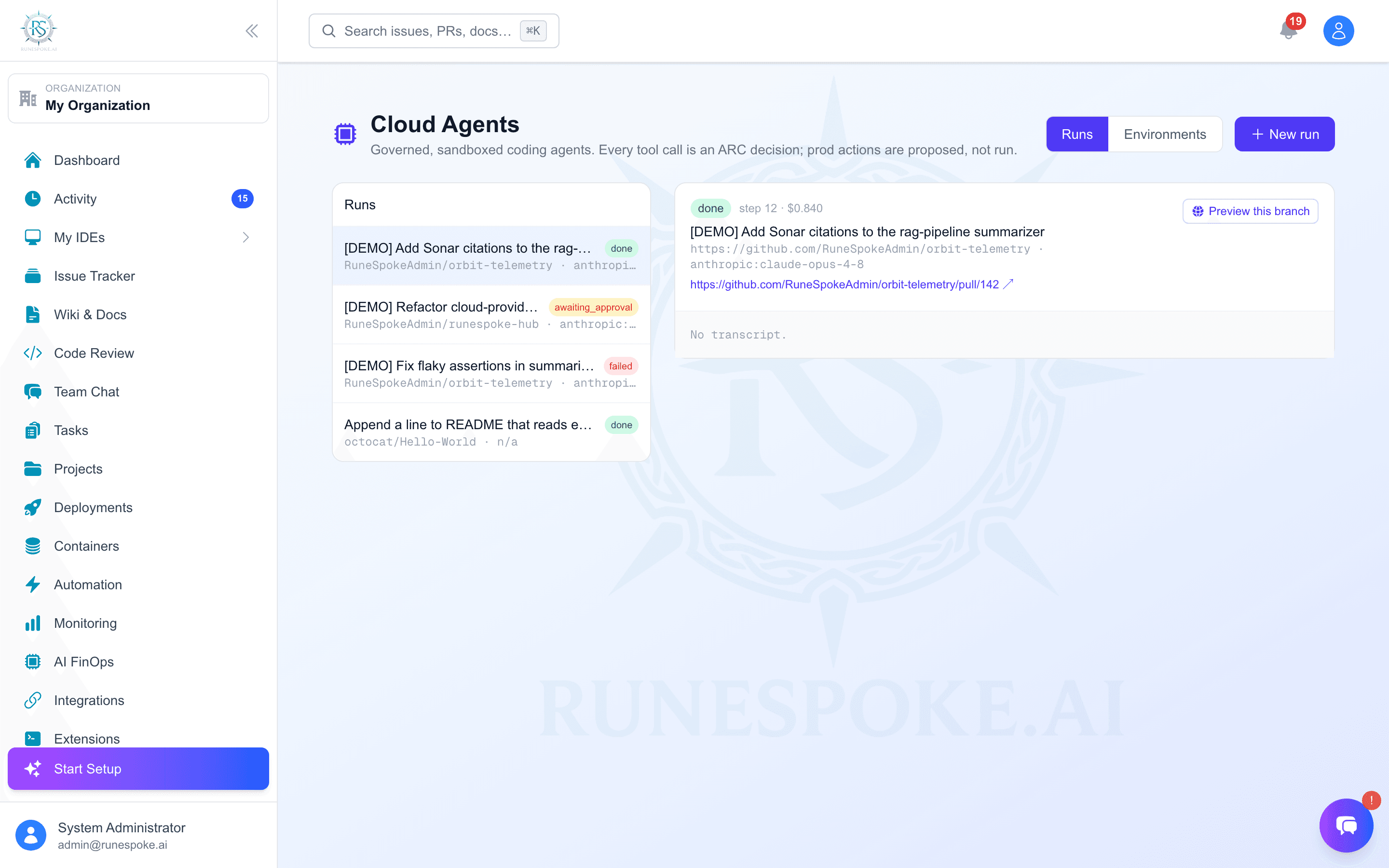
When an agent proposes an action, it's staged in the Approval queue tab with the exact effect it would commit, a risk score, and which human permission is needed to sign off. Approve and a background worker re-verifies the request hasn't changed, re-checks the agent is still allowed, and then runs it as you. Reject and it's dropped. Ignored proposals expire on their own - a forgotten proposal never lingers as a silent yes.
Freeze or revoke instantly
From the agent roster you can freeze (temporarily deny everything) or revoke (permanently retire) any agent. It takes effect on the agent's very next action - there's no token to wait out.
Who can use it
Registering agents and deciding proposals is admin-gated; authoring policies is reserved for super-admins. ARC is off until you scope an agent - your existing deploy pipeline and human workflows are completely unaffected.